
ConvertBankStatement
A specialized PDF-to-Excel conversion platform powered by a custom Python OCR engine, supporting 250+ bank formats and 30+ currencies for accountants and finance teams worldwide.
Published in 2023
Python Backend Engineering
OCR & Document Processing
React & Next.js Development
SaaS Platform Development
API Design
Subscription Billing
Services
PDF-to-Excel Conversion Engine
Custom OCR Pipeline
React Web Application
Tiered Subscription Platform
Public REST API
Developer Documentation Portal
Deliverables
- Website
Links
ConvertBankStatement is a financial productivity platform that turns scanned and digital bank statement PDFs into clean, ready-to-use Excel and CSV files in seconds. We engineered the entire system end-to-end—a custom Python OCR and document parsing engine adapted from open-source foundations, a React and Next.js web application with Google OAuth and email authentication, a four-tier subscription model billed by pages, and a public REST API for Pro and Business customers who automate conversions at scale. The platform supports over 250 bank statement formats across 30+ currencies, achieves more than 99% extraction accuracy on real-world scans, and has converted millions of pages for accountants, bookkeepers, and finance professionals worldwide.
The challenge.
Anyone who has ever tried to import a bank statement PDF into a spreadsheet knows the pain: the layout looks fine on screen, but the moment you copy-paste, the columns collapse, dates fragment across rows, and multi-currency totals end up in the wrong place. Accountants, bookkeepers, and finance teams routinely lose hours every week re-keying transactions by hand because off-the-shelf PDF converters were designed for generic documents, not the dense, multi-column, often-scanned reality of bank statements. The few tools that did exist either supported a handful of major U.S. banks and broke on anything else, mishandled foreign-currency entries, or charged enterprise prices for what should be a self-serve utility.
ConvertBankStatement set out to solve that specific problem—statement-shaped documents, end to end—rather than competing with general-purpose PDF tools. The platform needed to ingest both digitally generated and scanned PDFs from hundreds of banks across dozens of countries, recognize transaction tables regardless of layout quirks, normalize dates and currencies, and emit a clean Excel or CSV file the user could drop straight into QuickBooks, Xero, or their own reconciliation workflow. It also had to feel like a consumer product: sign in, upload, download—no IT department required.
Engineering a custom OCR and parsing engine in Python.
We built the conversion engine from the ground up in Python. We started from a well-regarded open-source OCR foundation, then adapted and extended it heavily for the unique structure of bank statements—learning page layouts, identifying transaction blocks, separating header and footer noise from real entries, and reconstructing tabular data even when the source PDF had no embedded table at all. On top of OCR, we layered a parsing pipeline that recognizes date formats from every major locale, distinguishes debits from credits across institutions that format them differently, normalizes currency symbols and codes, and validates running balances row by row to catch extraction errors before the file ever reaches the user.
The engine handles three categories of input that most converters can't tell apart: digitally generated PDFs with embedded text, image-only scans, and hybrid documents where some pages are text and others are images. A pre-flight stage detects which type a document is and routes it through the most appropriate extraction path, falling back to OCR only when the embedded text is unreliable. This is what lets the platform deliver more than 99% accuracy across a catalog of 250+ supported bank formats spanning 30+ currencies—not by guessing, but by knowing exactly what kind of document it's looking at.
A React and Next.js front end designed for a 30-second job.
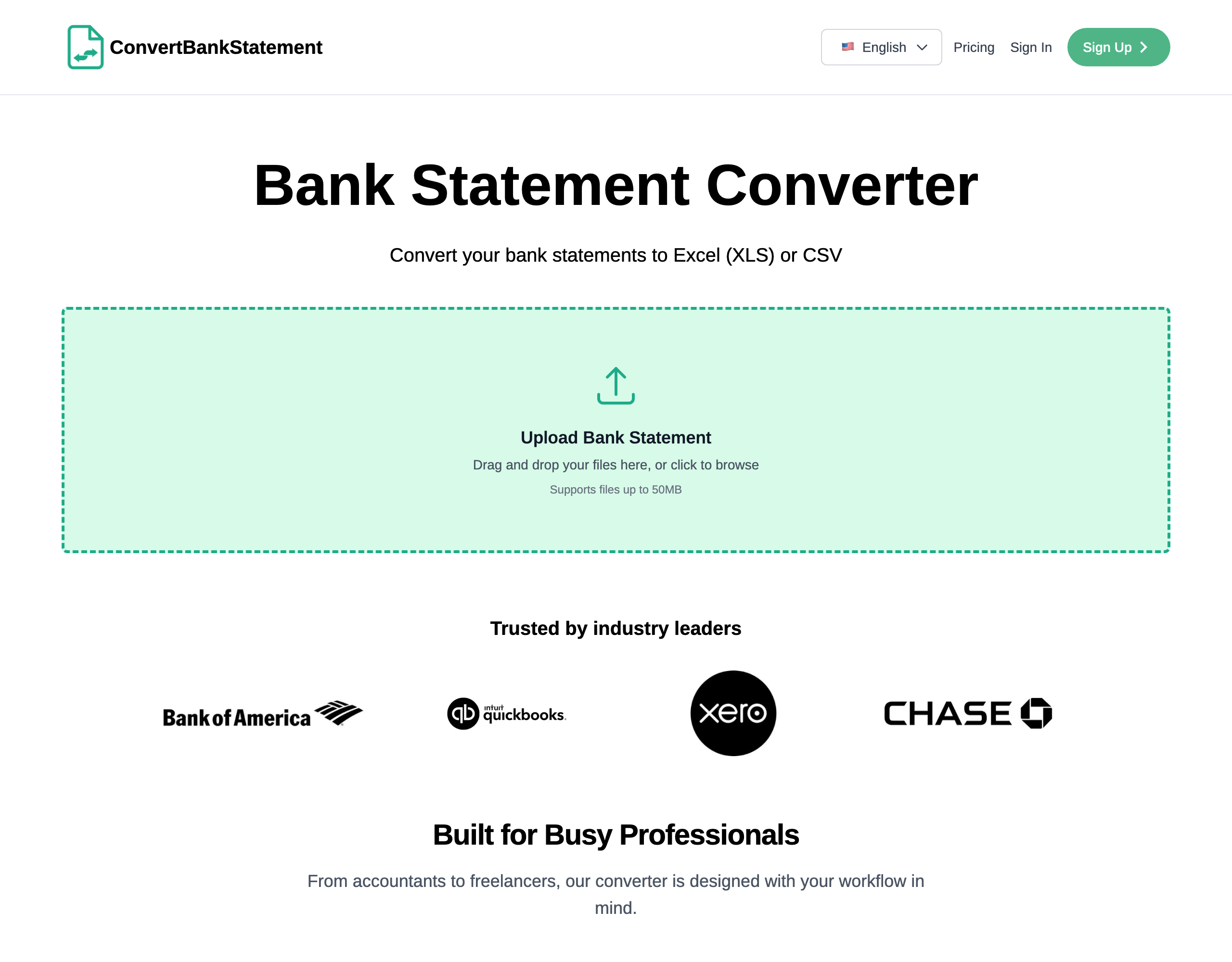
The product surface is intentionally minimal: drop a PDF, watch it convert, download the Excel or CSV. We built the front end on React and Next.js, with a single-purpose homepage that gets users into the conversion flow within a few seconds of landing. Nothing competes with the upload action—not pricing, not testimonials, not feature copy. Everything else on the marketing site sits below the fold to support the decision after the first conversion has succeeded, which is exactly when most users decide whether to upgrade.
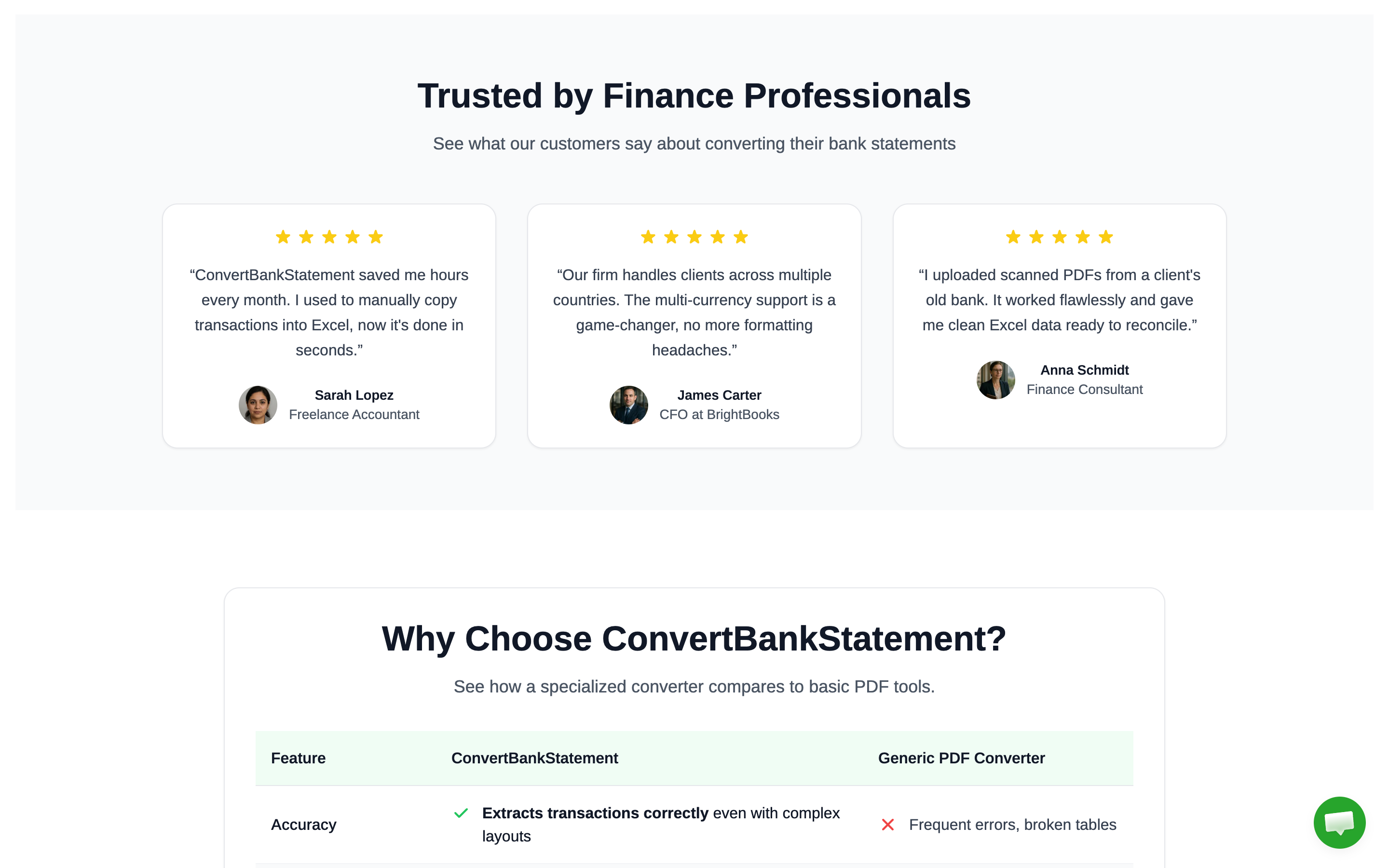
Below the conversion area, the homepage builds trust where it matters. A "Trusted by Finance Professionals" section surfaces five-star testimonials from working accountants and finance consultants ("ConvertBankStatement saved me hours every month. I used to manually copy transactions into Excel, now it's done in seconds."), followed by a clear, side-by-side "Why Choose ConvertBankStatement?" comparison against generic PDF converters—accuracy, multi-currency handling, scanned-PDF support, and statement-specific layout recognition versus the typical "frequent errors, broken tables" reality of generic tools. The page is built to convert curious visitors into paying customers without ever feeling like a sales pitch.
Authentication, dashboards, and a frictionless first conversion.
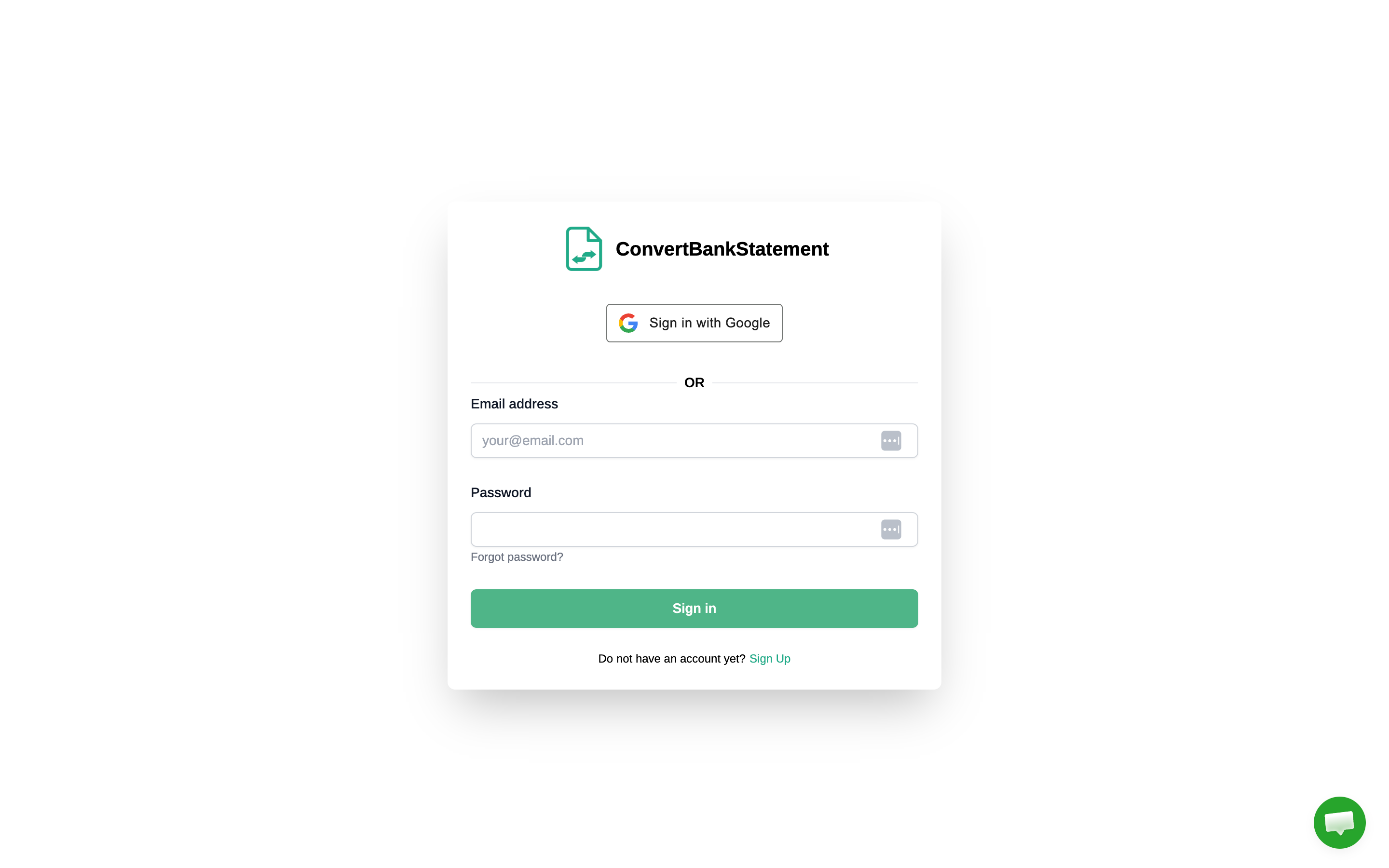
We built a streamlined sign-in experience around two paths most finance users already trust: Sign in with Google or a traditional email-and-password flow with a forgotten-password recovery loop. Account creation is one click for Google users and a single short form for the rest—no phone verification, no role-based onboarding wizard, nothing that gets between a new user and their first successful conversion. Once signed in, every account lands on a personal dashboard that tracks remaining page credits, conversion history, downloadable past results, and current subscription tier.
A four-tier subscription model priced for the real market.
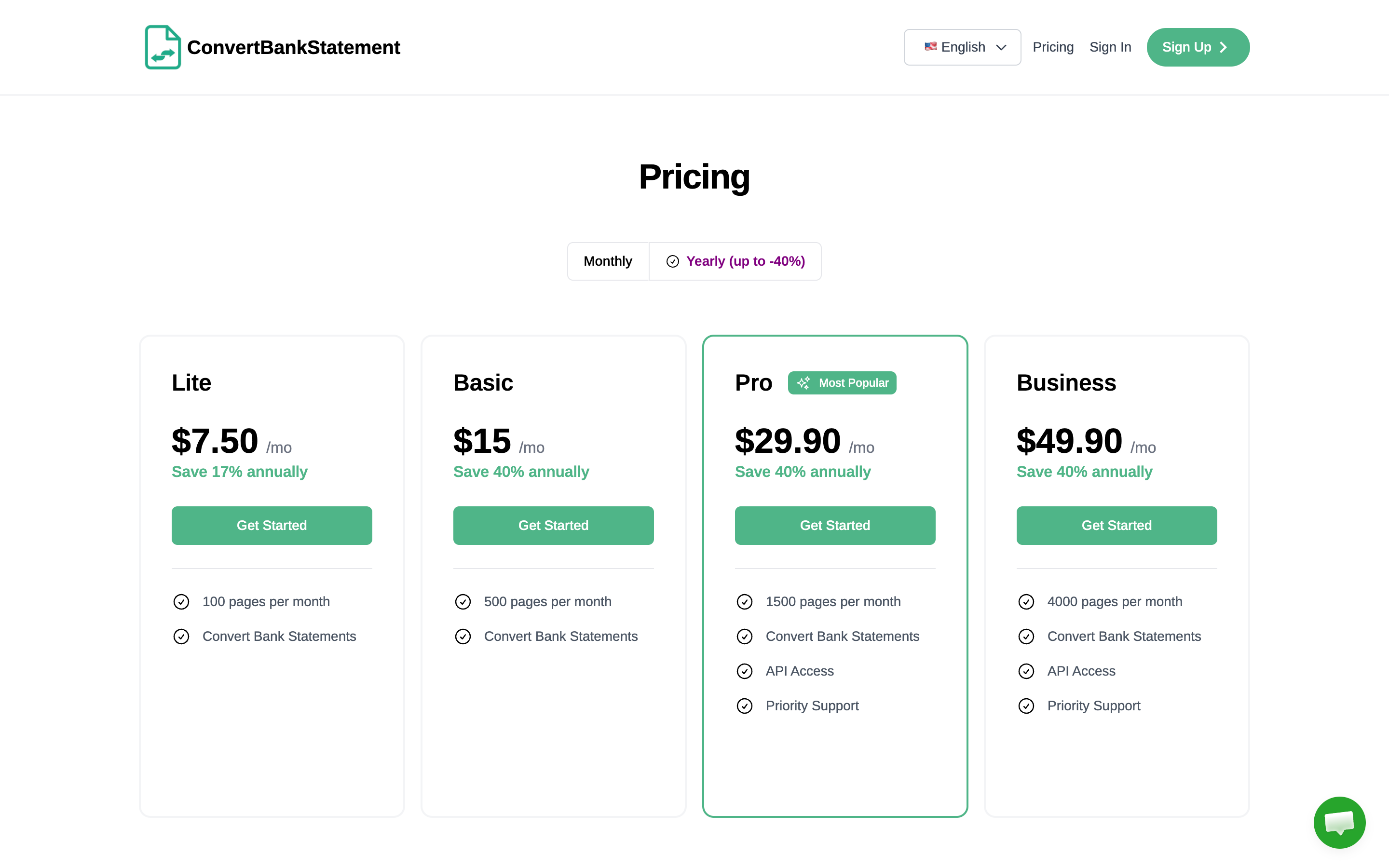
Bank-statement conversion is a usage-driven product, so we built a four-tier subscription system priced on pages-per-month rather than seats or features that nobody asks for. Lite ($7.50/mo) covers occasional users with 100 pages a month and 17% annual savings. Basic ($15/mo) suits small bookkeepers at 500 pages a month with 40% off annual. Pro ($29.90/mo, our most popular tier) unlocks 1,500 pages, API access, and priority support for active firms. Business ($49.90/mo) scales to 4,000 pages, full API access, and priority support for accounting practices and finance teams running conversions at scale. Every tier ships with monthly and yearly billing toggles, transparent annual savings, and a single Get Started CTA—no enterprise sales call required.
Behind the pricing page, we engineered the full subscription, metering, and billing stack: per-tier page quotas enforced atomically at conversion time, automatic plan upgrades and downgrades, prorated changes, failed-payment recovery flows, and clean surfacing of remaining credits inside the user dashboard so customers always know how close they are to their monthly cap before it impacts a deadline.
A public REST API for Pro and Business customers.
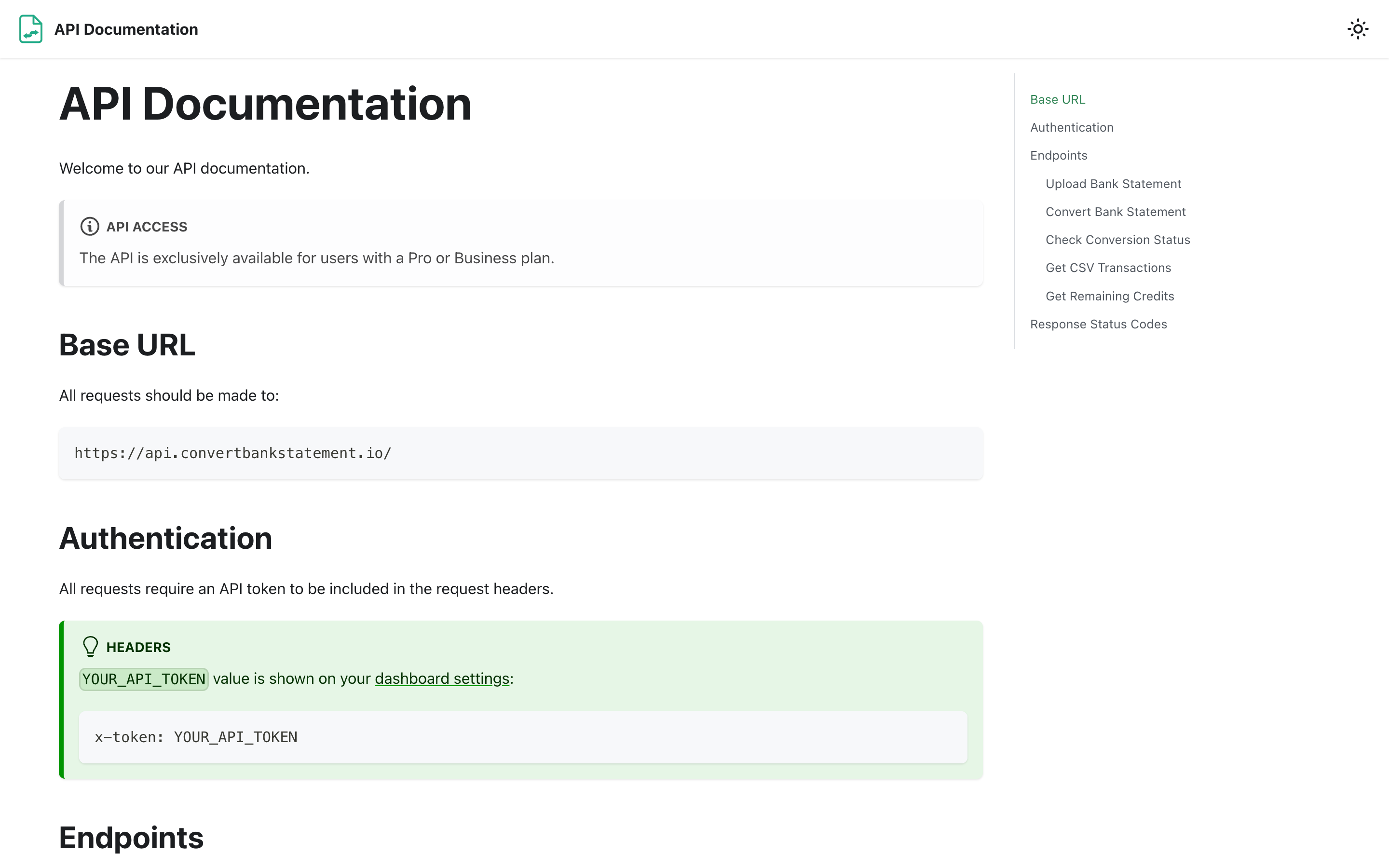
Power users—accounting firms processing dozens of statements a day, fintech startups feeding cleaned transaction data into their own products, and consultants automating month-end close—needed programmatic access. We designed and shipped a clean REST API exposing the full conversion pipeline through a small set of well-named endpoints: Upload Bank Statement, Convert Bank Statement, Check Conversion Status, Get CSV Transactions, and Get Remaining Credits. Authentication is a single API token issued from the dashboard and passed via an x-token header, keeping integration time for a new customer down to a few minutes.
Alongside the API itself we built a developer documentation portal at /docs covering the base URL, authentication pattern, every endpoint's request and response shape, and a complete table of response status codes—so a new integrator can read the docs, generate a token, and post their first PDF in a single sitting. API access is gated to Pro and Business subscribers, turning the API from a free utility into a margin-positive feature that pulls power users up the pricing tiers.
Multi-currency, multi-format, multi-locale by default.
Most converters assume a single bank, a single currency, and a single date format. ConvertBankStatement does the opposite. The parsing layer recognizes 30+ currencies natively, including USD, EUR, GBP, CAD, AUD, INR, AED, SGD, and major Asian and Latin American currencies—handling both prefix and suffix symbols, comma- and period-decimal conventions, and statements that mix currencies on a single page (common for international cards and travel accounts). Transaction dates are parsed across U.S., European, ISO, and Asian formats, and the engine normalizes everything to a consistent output schema so the user's downstream spreadsheet, accounting tool, or ERP doesn't care which bank the file came from.
Built for trust in a sensitive category.
Bank statements are some of the most sensitive documents a person uploads to the internet, so we treated security and trust as a first-class product feature, not a compliance afterthought. Files are processed in isolated worker containers, encrypted in transit and at rest, and removed from storage after conversion completes. The platform never asks for banking credentials, never connects to a user's bank account, and never trains models on customer documents. That guarantee, combined with transparent pricing, a multilingual interface, and a support layer accessible directly from every page, is what has earned the trust of accountants and finance professionals around the world.
Results and impact.
ConvertBankStatement now serves more than 12,000 active finance professionals, accountants, bookkeepers, and small finance teams. The platform supports 250+ bank statement formats spanning 30+ currencies, has converted more than 3 million pages of statements to date, and consistently delivers over 99% transaction-extraction accuracy on real-world inputs. The combination of a custom-engineered Python OCR and parsing engine, a deliberately minimal React and Next.js front end, a four-tier subscription model that maps cleanly onto how customers actually use the product, and a clean REST API for power users has positioned the product as the specialized statement-conversion tool generic PDF converters can't match—and a category leader in a niche that, until recently, mostly didn't exist.
What are you looking for?
Please choose an option below